
For iPhone
Meet your little budgeting buddy.

Set your budget, log what you spend, and keep an eye on Sprig, your little budgeting buddy. His mood changes with your spending, and as the months go by he’ll grow right alongside you.
30 days free, no card needed · Your numbers never leave your phone
How it works
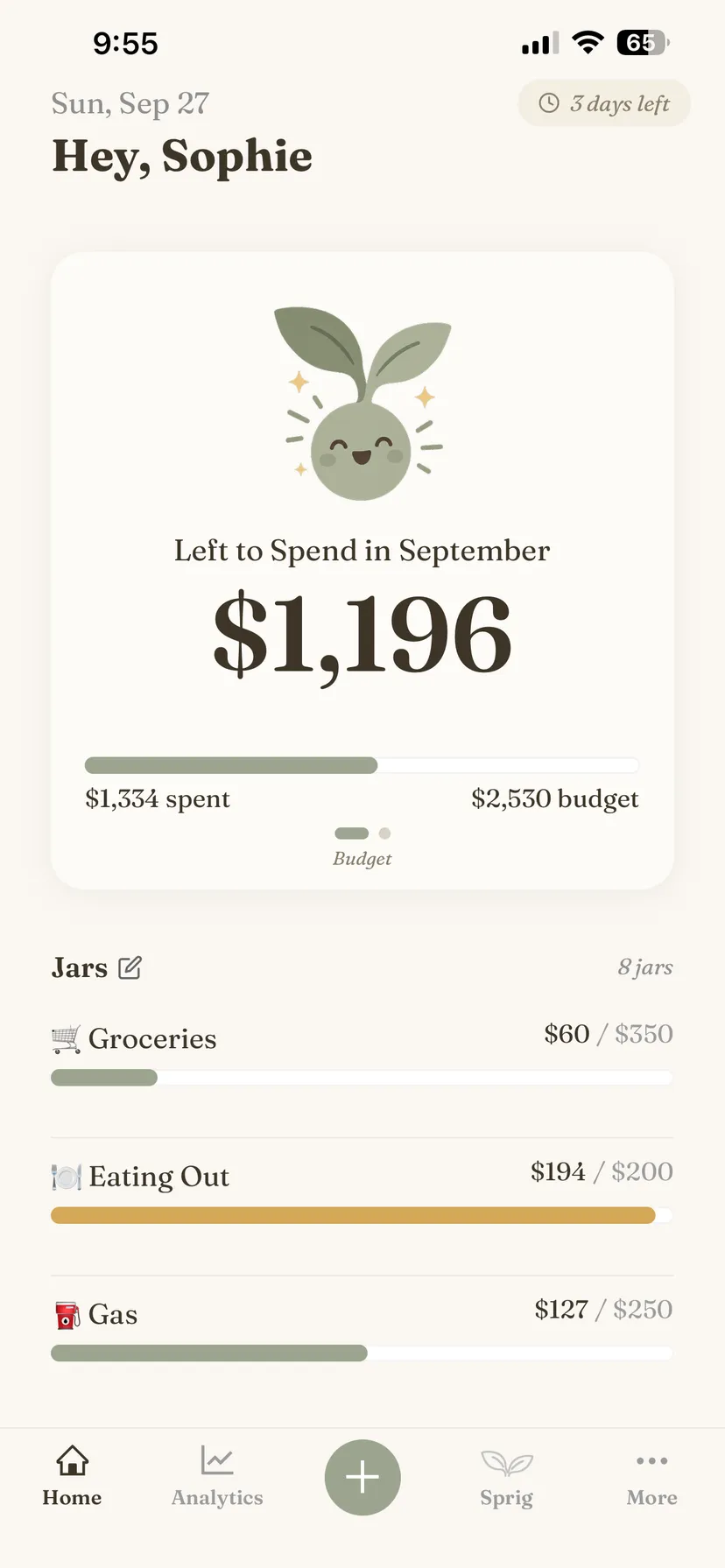
Fill your jars
Pick the things you spend money on and give each one a monthly limit. Groceries, eating out, coffee — whatever makes sense for you.
Log as you go
See it, spend it, log it. A few taps keeps your jars up to date without turning budgeting into another task.
Watch Sprig
Sprig’s mood changes with your spending, giving you a quick look at how your budget is holding up. He’ll thrive when there’s plenty of room and get a little wilty when things are getting tight.
Thriving
Under 60% spent

Happy
60–90% spent

Wilting
Over 90% spent
Sprig lets you know when things are getting tight, not just when you’ve gone too far. Think of him as a heads-up, not a verdict.
Sprig grows with you
The longer you use frugl, the more Sprig grows. His six stages are about sticking with it, not staying under budget — a tough month never sets him back.
Seedling
Day one

Sprout
3 days

Rooted
2 weeks

Vining
2 months

Cascading
6 months

Flourishing
A year
What’s inside
Jars are just the start. There’s plenty more to frugl when you’re ready to explore.
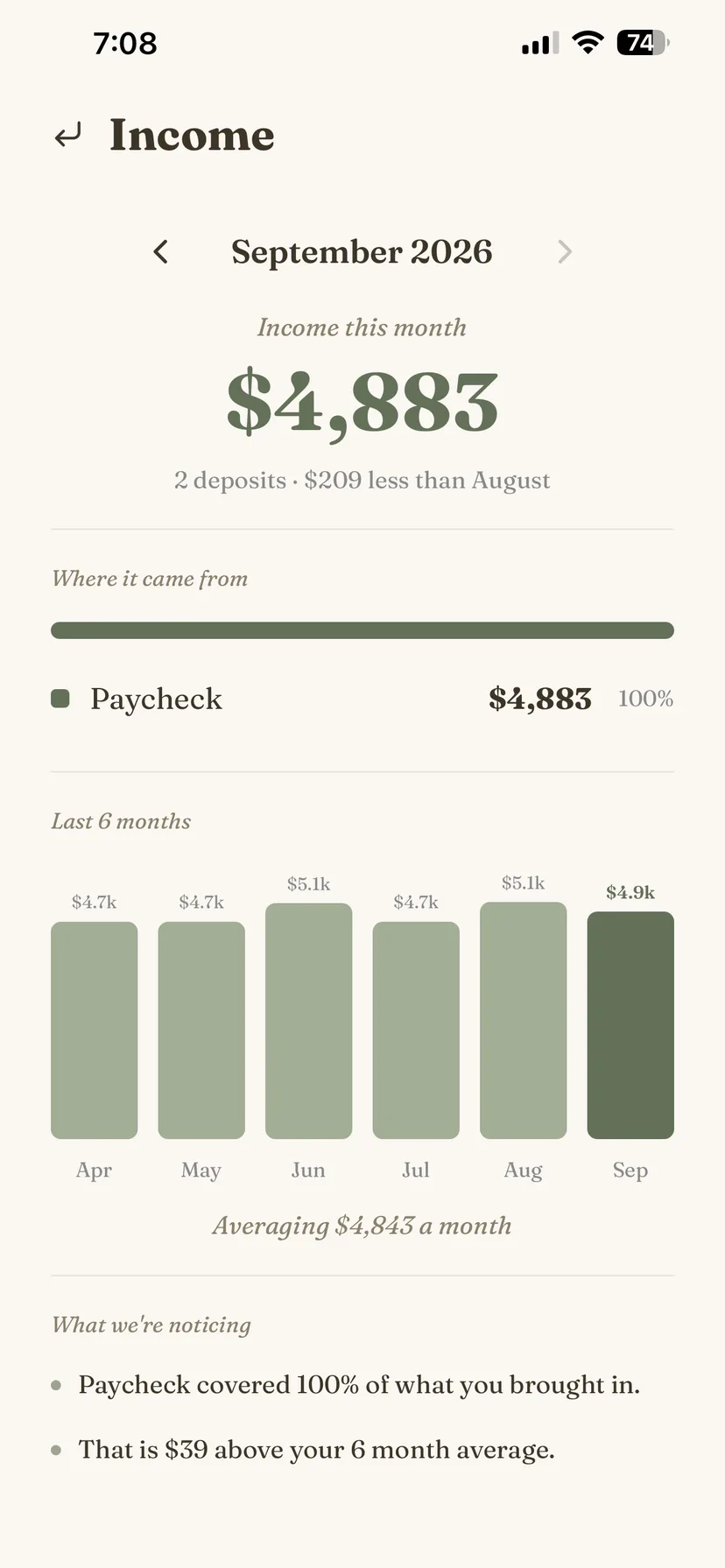
Income
Know what’s coming in
A breakdown of what comes in each month and how your income changes over time.
Analytics
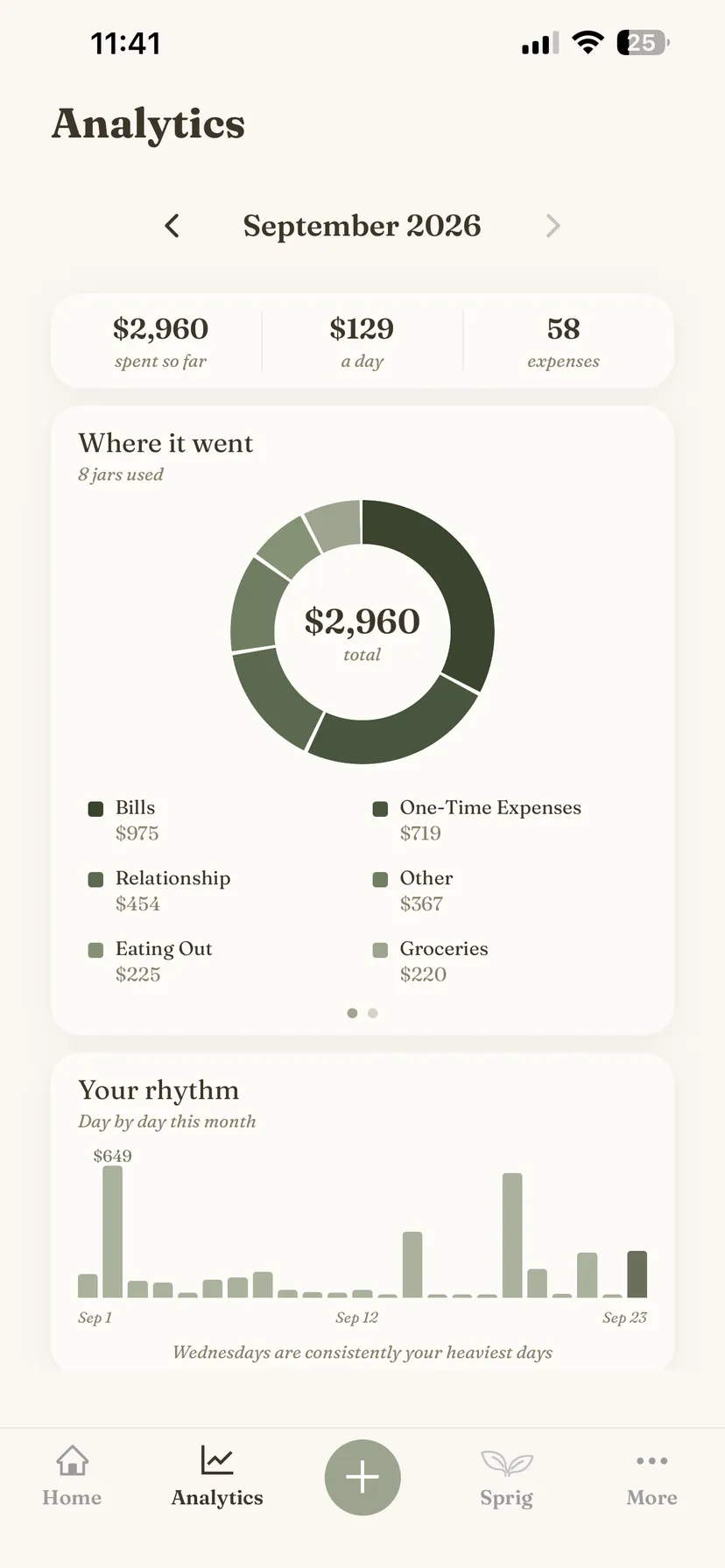
See where it all went
Take a closer look at where your money went and how your spending compares from month to month.
frugl Report
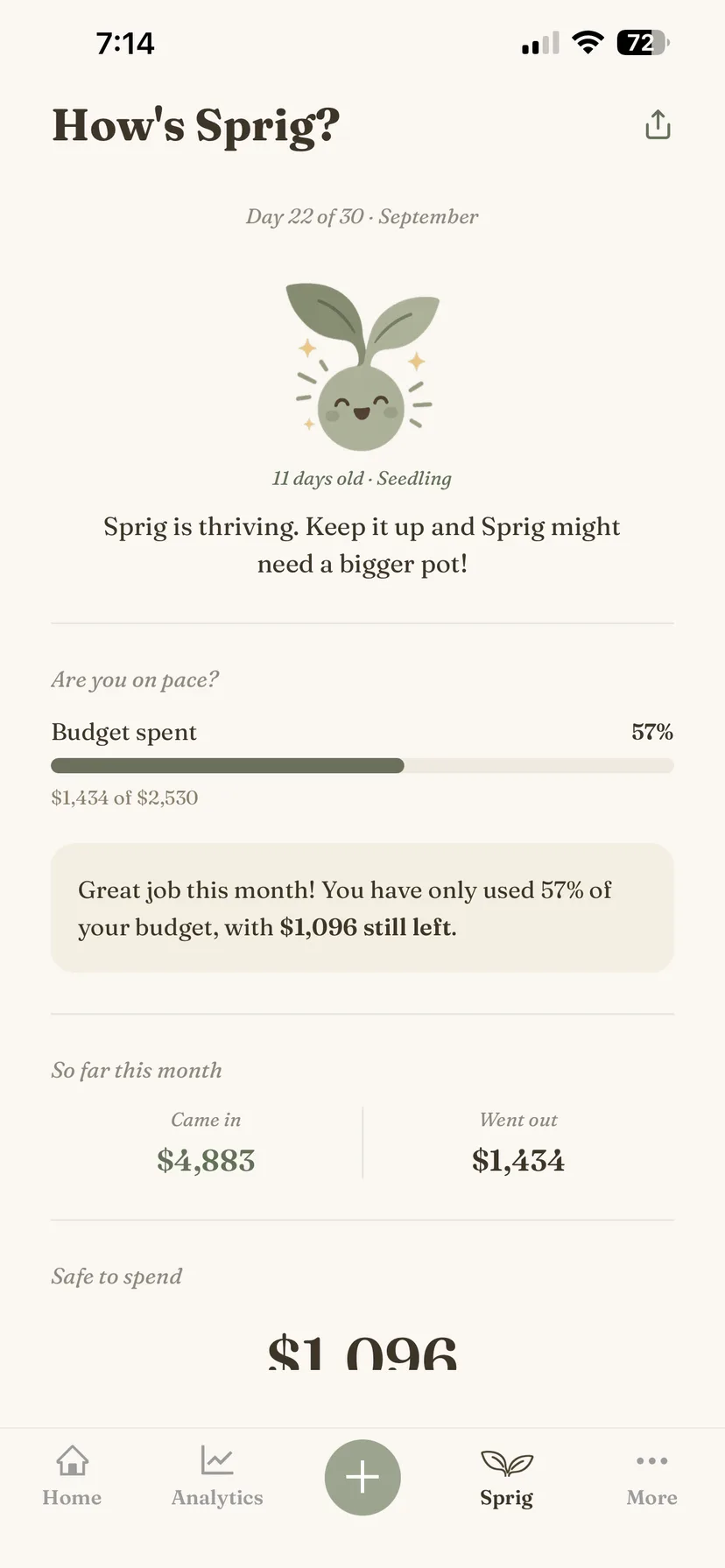
Your month, made simple
Are you on pace? What’s safe to spend? What’s worth noticing? A plain-language read on how your month is going.
Goals
Save toward something specific
Give yourself something to work toward and watch your savings add up.
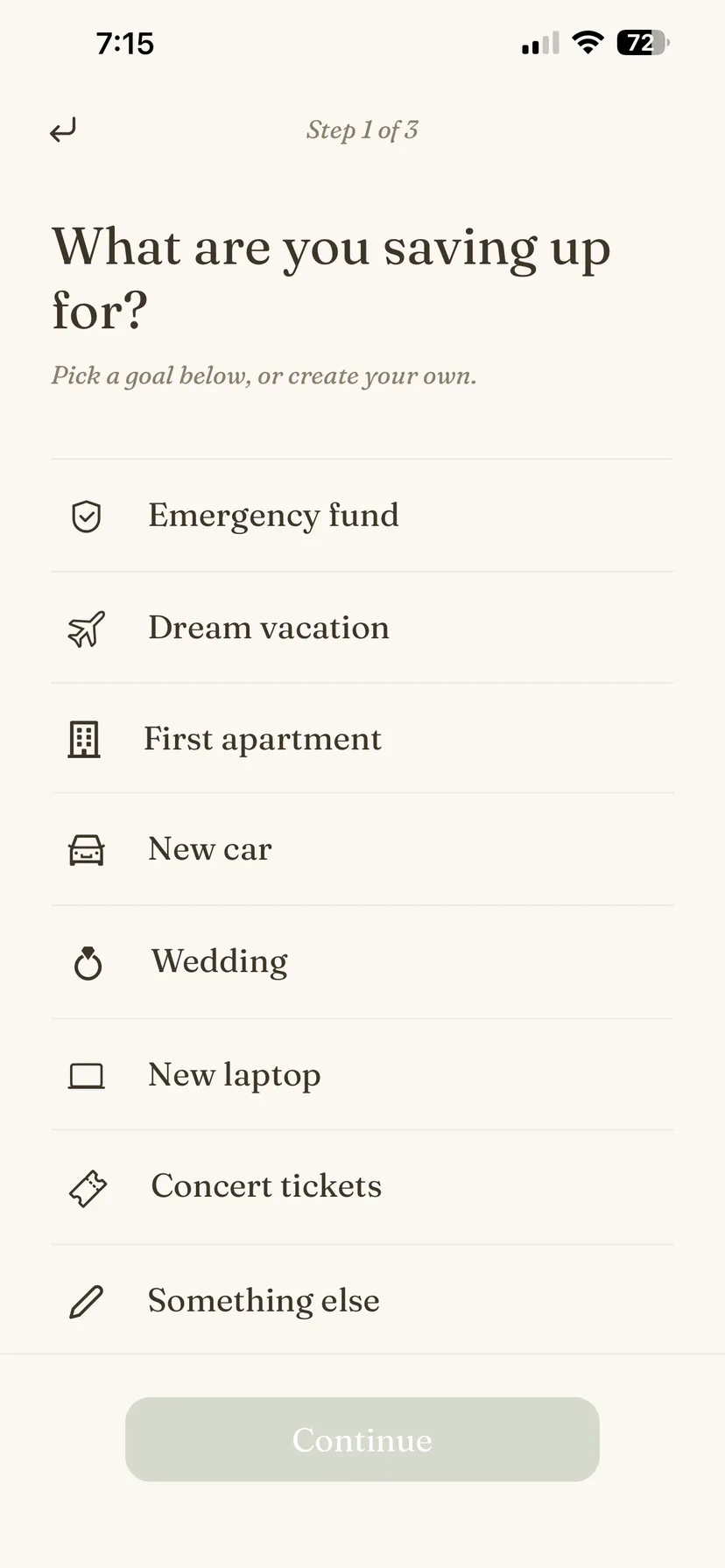
Projections
See what it takes to get there
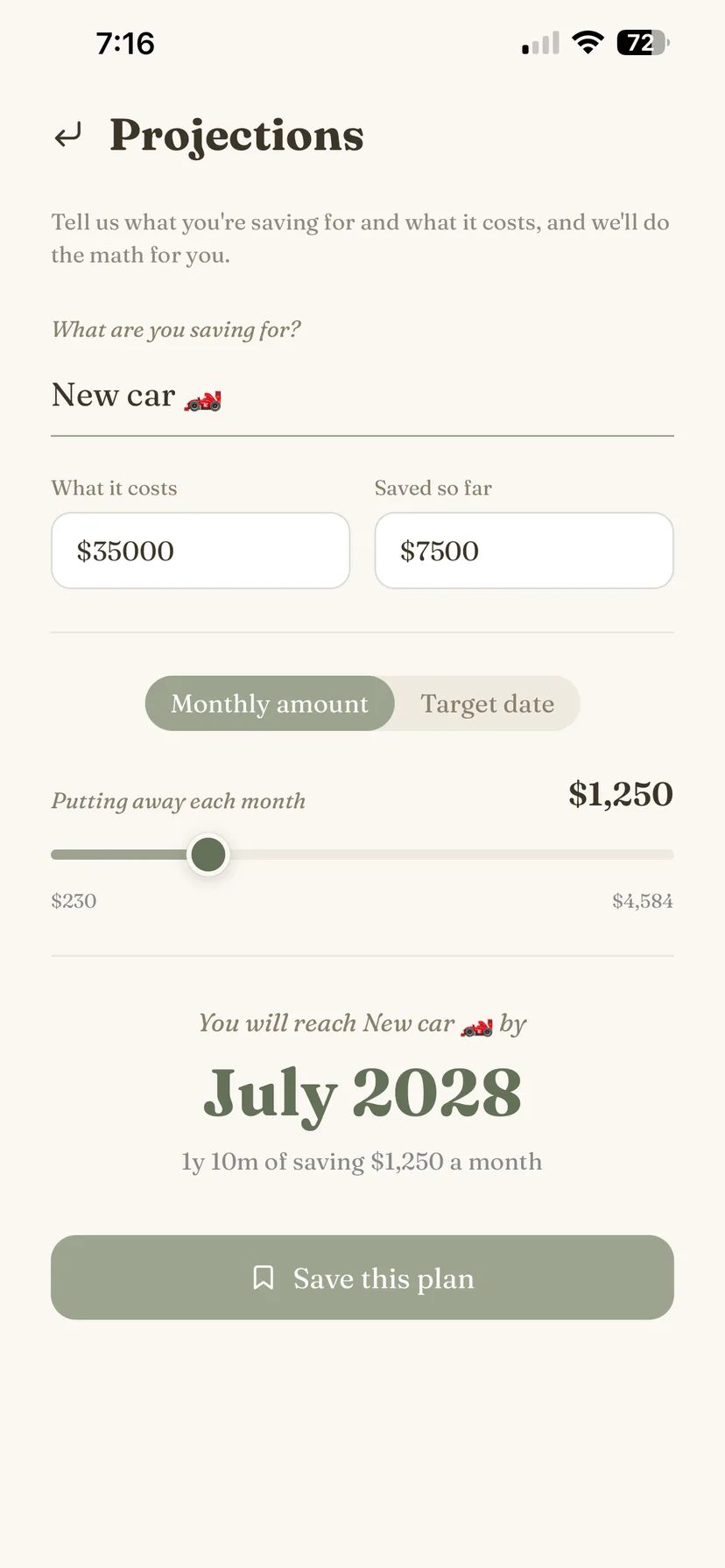
Wedding, big trip, or something else down the road? Set your target, then play with the timing and monthly savings to find what works for you.
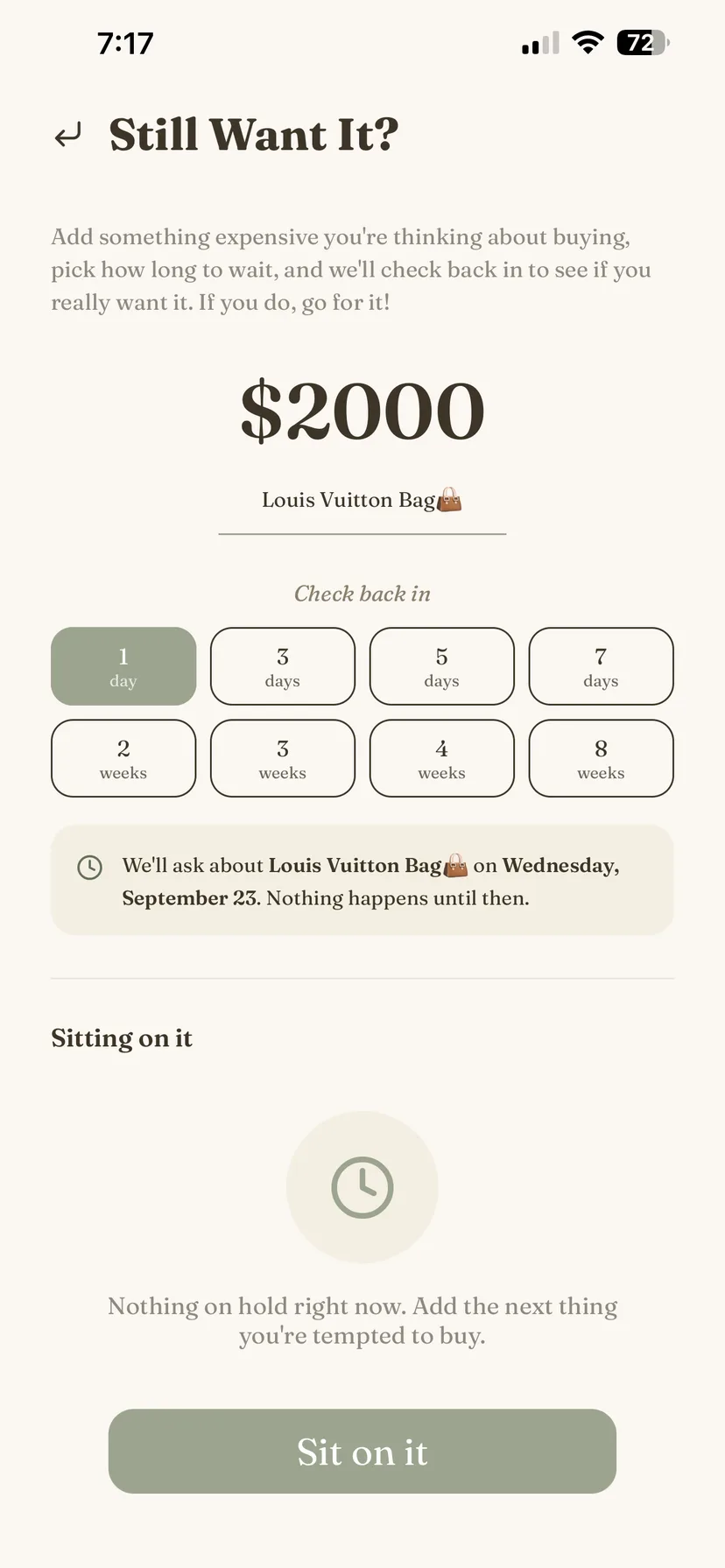
Still Want It?
Sit on a purchase before you make it
Put a tempting purchase on pause and give yourself some time to decide.
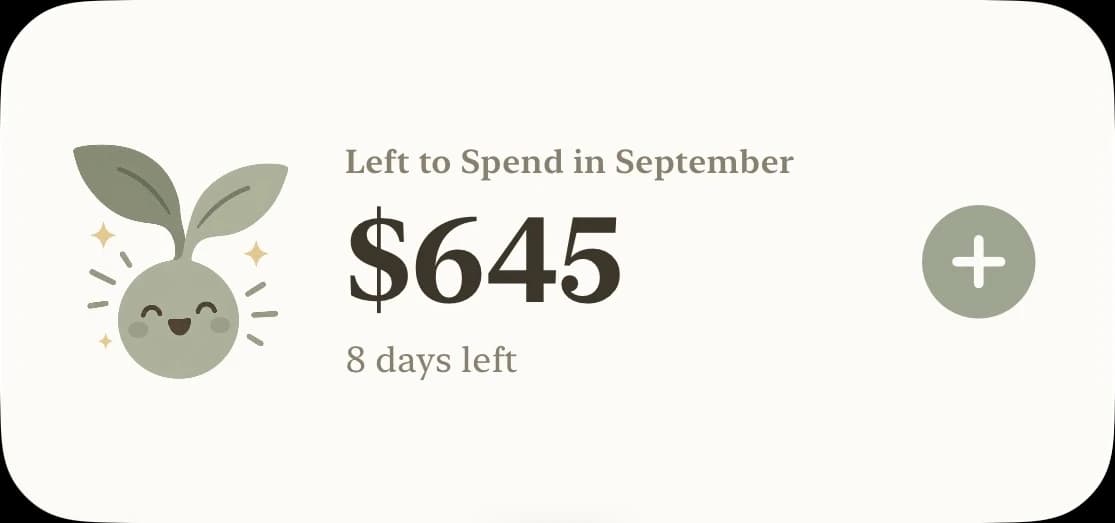
On your home screen
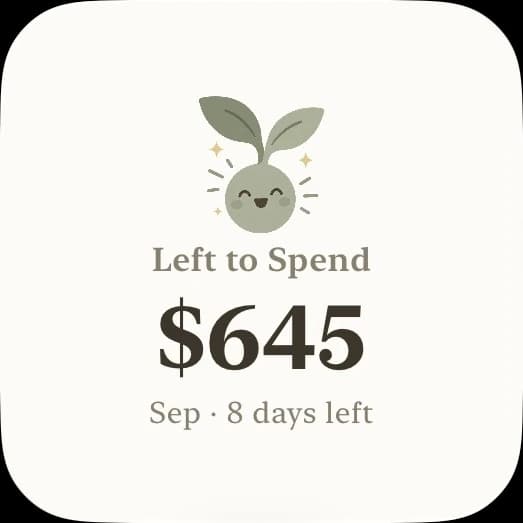
Two aesthetic widgets in both small and medium sizes.
Everything you log is kept on this phone and nowhere else. There’s no account to make and no server to sync with — frugl never sends your jars, expenses, income, or goals anywhere.
- No account, no sign-in
- No ads, no tracking, nothing sold
- No bank connection, ever
Pricing
The first 30 days are free. No card needed. After that, a subscription keeps frugl going. Regardless of whether or not you continue, you’ll still be able to view and export your data.
Monthly
$4.99 / month
Yearly
$39.99 / year
About $3.33 a month
Prices shown in US dollars. The App Store charges in your own currency at the rate Apple sets, so what you see in the app is what you pay. Subscriptions are managed in your Apple account and can be cancelled there at any time.
See the terms for the full subscription and refund policy.
Questions
Does frugl connect to my bank?
No, frugl does not connect to your bank. There’s nothing to link and no credentials to hand over.
Where is my data stored?
Your data is stored directly on your phone. There’s no account, no sign-in, no analytics and no server of ours to sync with. frugl has no way to access any of your data. If your phone backs itself up to iCloud, that backup may include frugl’s data along with every other app’s — that’s between you and Apple.
What happens after the 30 days?
After the first 30 days, the app's features become subscription-only. There is no freemium version of frugl, so the app becomes read-only until you subscribe.
Can I get my data out?
Yes. Export data allows you to export a JSON file or a CSV file, for your own analysis. Reset all data erases everything permanently. Both live in the More tab.
Is there an Android version?
Not yet. frugl is solely an iPhone app for the time being. If frugl gains traction among iPhone users, an Android version will almost certainly be shipped.